
H2O SUPPLY is a water-supply or water-level-detection message on applicable GE washers. It occurs on front-load washers and some top-load models. Confirm the complete wording and model, check that the water supply is on, and follow the matching lockout instructions. A top-loading design alone does not identify the SmartDispense H2O condition.
What the message is responding to
GE’s front-load support article connects H2O Supply with closed supply valves, a pressure-sensing issue, and, rarely, extremely low supply pressure. The washer normally runs a four-minute protective drain in that context. GE separately documents H2O SUPPLY on some top-load machines, including an unresponsive-control interval whose duration varies by model.
Read the Whole Display Before Choosing a Route
Photograph the exact words rather than searching only H2O or H20. Record whether the machine loads from the front or top, the full model number, the selected cycle, and whether any low-tank lights are present. The letter O and number zero are often mixed in search queries; the rest of the message and appliance configuration matter more.
A top-loader displaying H2O SUPPLY can belong on this supply route. Use the separate dispenser route only when the model and tank layout match GE’s documented bulk detergent-and-softener system and its H2O behavior. A newer single-detergent-tank SmartDispense model cannot be assumed to use that dual-tank test.
| Display and Configuration | Matching Route |
|---|---|
| H2O SUPPLY on an applicable front-loader | Supply/pressure-sensing guidance and protective drain. |
| H2O SUPPLY or flashing Fill on an applicable top-loader | Top-load no-fill guidance and its stated lockout. |
| H2O plus low dual bulk-tank indications | Verify the matching SmartDispense instructions first. |
| Only H2O reported; model unknown | Identify the complete display and model before acting. |
Let the Documented Lockout Finish
On the front-load condition described by GE, pump noise can be part of overfill protection rather than evidence that the drain pump caused the alert. Observe the display and timing without forcing the door or trying to interrupt the routine. If water is leaking or an electrical hazard is present, stop using the machine and seek help.
GE’s top-load no-fill article describes a three- or four-minute lockout on applicable 2015-and-newer models; its Consumer Help Indicator article describes four minutes in its own scope. These are model-dependent descriptions. Both explain that unplugging restarts the applicable timer. Use the matching manual instead of repeatedly cycling power because the buttons seem dead.
Check What Changed at the Water Supply
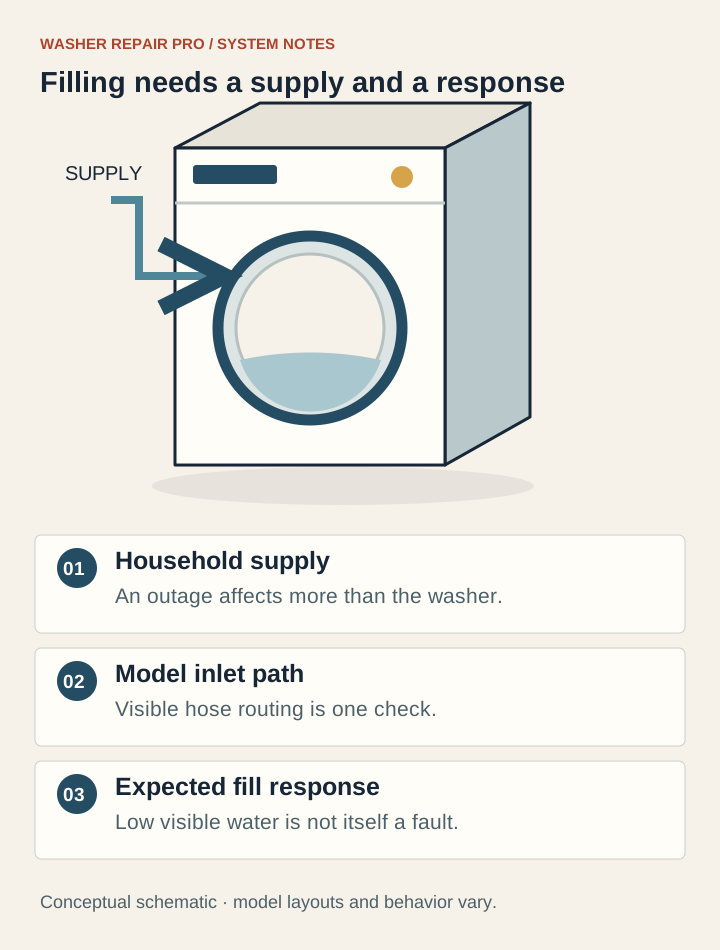
From a safe position, check whether both washer supply valves are on. Think about a recent installation, move, plumbing repair, vacation shutoff, or household water interruption. A normal nearby faucet is useful context, but it does not verify the flow delivered through both washer connections.
Look only at accessible hose sections for an obvious pinch and tell the installer what you see. Do not disconnect a pressurized hose or pull out a stacked machine for this check. Use the model instructions for any owner maintenance; generic no-fill advice does not authorize screen removal or internal valve work. If supply availability is uncertain, have the installer or plumber verify it.
If Water Enters but the Message Returns
Record whether the washer never fills, fills briefly, or completes wash and fails when rinse begins. Include any earlier valve replacement or hose work. Successful filling at one point in a cycle does not establish that every later fill request can complete. This is useful diagnostic history, not a way to choose a replacement part.
GE recommends service for a front-load H2O Supply alert once the supply is confirmed on. For recurring top-load trouble after its documented owner checks, arrange assessment. Ask service to consider the complete supply and sensing condition; do not purchase a pressure sensor, valve, or control board from the message alone.
Questions owners ask
Can a GE top-load washer show H2O SUPPLY?
Yes. GE’s top-load no-fill article explicitly covers that scrolling message on applicable models. Do not assume a top-loader must have a SmartDispense tank problem.
Why does the pump run during a front-load H2O Supply alert?
GE describes a normal four-minute protective drain for this front-load condition to reduce potential overfill risk. It does not prove the drain pump is faulty. Persistent trouble with the supply on needs service.
Why are the buttons unresponsive after H2O SUPPLY?
The applicable model may be in its documented lockout. GE gives three or four minutes for certain top-load models and four minutes in the CHI context. Unplugging restarts those timers; check the exact manual.
Why can H2O Supply happen when rinse starts after wash filled normally?
Record that precise transition and any recent work. A successful earlier fill does not establish that all later filling will succeed. An accessible forum reports this sequence after valve replacement, but that individual outcome cannot diagnose another washer.
Should I refill SmartDispense for every GE H2O Supply error?
No. GE’s dual-tank dispenser H2O guidance has a separate model and symptom context. Verify complete wording, tank arrangement, and manual before treating the alert as a dispenser issue.
Keep the useful details for service
Record the full model, exact display, cycle stage, water location and checks already attempted. Create a repair brief to copy or download. If several symptoms overlap, use the Washer Repair Check without guessing a component.
Related next steps
Sources & model scope
Content reviewed November 5, 2026. Match the exact model and US owner’s manual. These references support the explanation; they are not evidence of an inspection of your machine.
Questions behind this guide
Owner discussions helped identify confusing follow-ups and prior attempts. They are individual experiences; manufacturer information supports the technical explanations above.